Day Trading Journal — Excel & Google Sheets
Find your best hours and setups, see how much of each move you capture, and catch the days you broke your loss limit.
Price: ₹999 (one-time purchase)
Format: XLSX (Excel + Google Sheets) + PDF guide
Delivery: Instant download after payment is confirmed.
Category: Trading Journals
Description
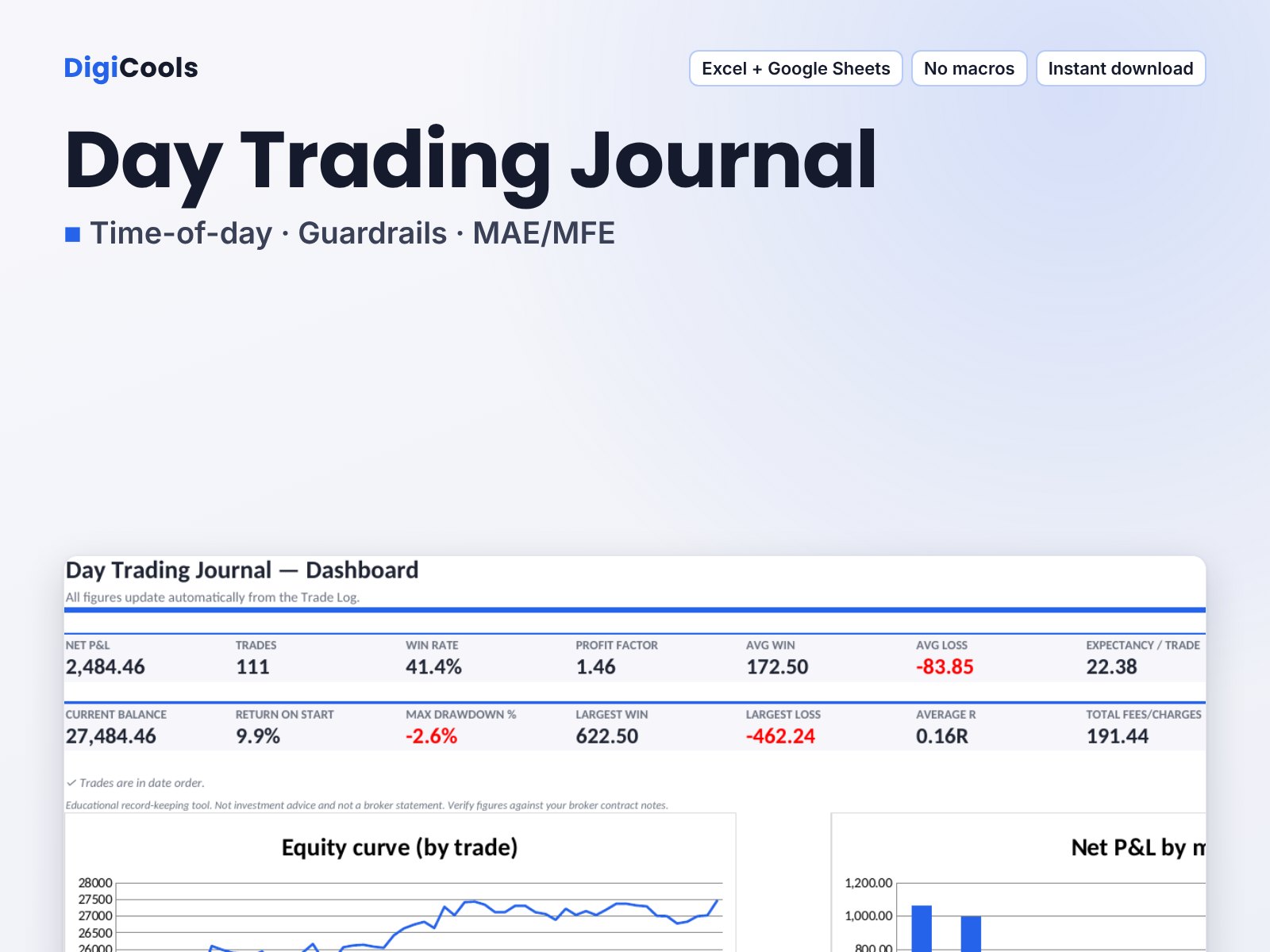
Find your best hours and setups, see how much of each move you capture, and catch the days you broke your loss limit. The problem: Basic logs show P&L but not when/why intraday edge appears or disappears (time, session, overtrading, loss-limit breaches). What's different: Daily Guardrails sheet flags loss-limit breaches, overtrading and trades taken after the limit was hit; MAE/MFE capture %; no macros. Features: • Entry-hour, session and weekday breakdowns • Daily Guardrails: loss-limit hit, too many trades, trades after limit • MAE/MFE: worst excursion in R and share of best move captured • Setup grades (A+ to C) and Followed-plan analysis • Multiplier column for futures and options • Dashboard, P&L calendar, monthly/weekly/daily review Who it's for: Intraday stock, futures and options day traders. Works with: Microsoft Excel 2010 or later (Windows/Mac), Excel for the web, Google Sheets (upload → open → Save as Google Sheets), LibreOffice Calc 7+. No macros, no add-ins, works offline. How it was tested: every formula was recalculated in LibreOffice Calc and checked against independent Python calculations on the fictional sample data, including edge cases (blank rows, missing fees, invalid numbers, divide-by-zero). The files use only functions available in Excel 2010+ and Google Sheets; open them in your own spreadsheet app before relying on them. Your data stays on your device or in your own Google account — no account, no broker connection. Not affiliated with, endorsed or sponsored by any exchange, broker, index provider, app or educator named on this page; names are used only to describe compatibility or subject matter. Educational record-keeping tool — not investment, tax or legal advice. Trading involves risk of loss; no results are promised.
What's included
- Blank workbook (.xlsx) for your own data
- Sample-data workbook with fictional trades to learn from
- Quick Start Guide (PDF)
- README.txt + personal-use licence (TXT)
Frequently asked questions
Is this a subscription?
No. One-time purchase, instant download after payment. Your purchased version keeps working; free updates are not guaranteed.
Does it connect to my broker?
No. It is an offline file — your data stays on your computer or Google account. You type or paste trades; nothing is sent anywhere.
Does it work in Google Sheets?
Yes. Upload the .xlsx to Google Drive, open it with Google Sheets and choose File → Save as Google Sheets. Formulas, dropdowns and colours carry over; charts are converted by Google and can be restyled.
What's the difference between the Blank and Sample Data files?
They are identical except the Sample file is pre-filled with clearly labelled fictional trades so you can see every sheet working. Use the Blank file for your own trading.
What if the file doesn't open?
Contact DigiCools via digicools.com with your order email and product ID DC-TJ-02; we will help you open it or resend the file.
Tags: day trading journal, day trading journal excel, day trading journal template, day trading log, day trading spreadsheet, intraday trading journal, trading journal google sheets, mae mfe trading journal, trading pnl calendar, setup tracker spreadsheet, trading journal