Futures Trading Journal Spreadsheet for Excel & Google Sheets
Tick-based P&L with your own contract specifications, commissions and session analytics
Price: ₹449 (one-time purchase)
Format: ZIP (XLSX + PDF)
Delivery: Instant download after payment is confirmed.
Category: Trading Journals
Description
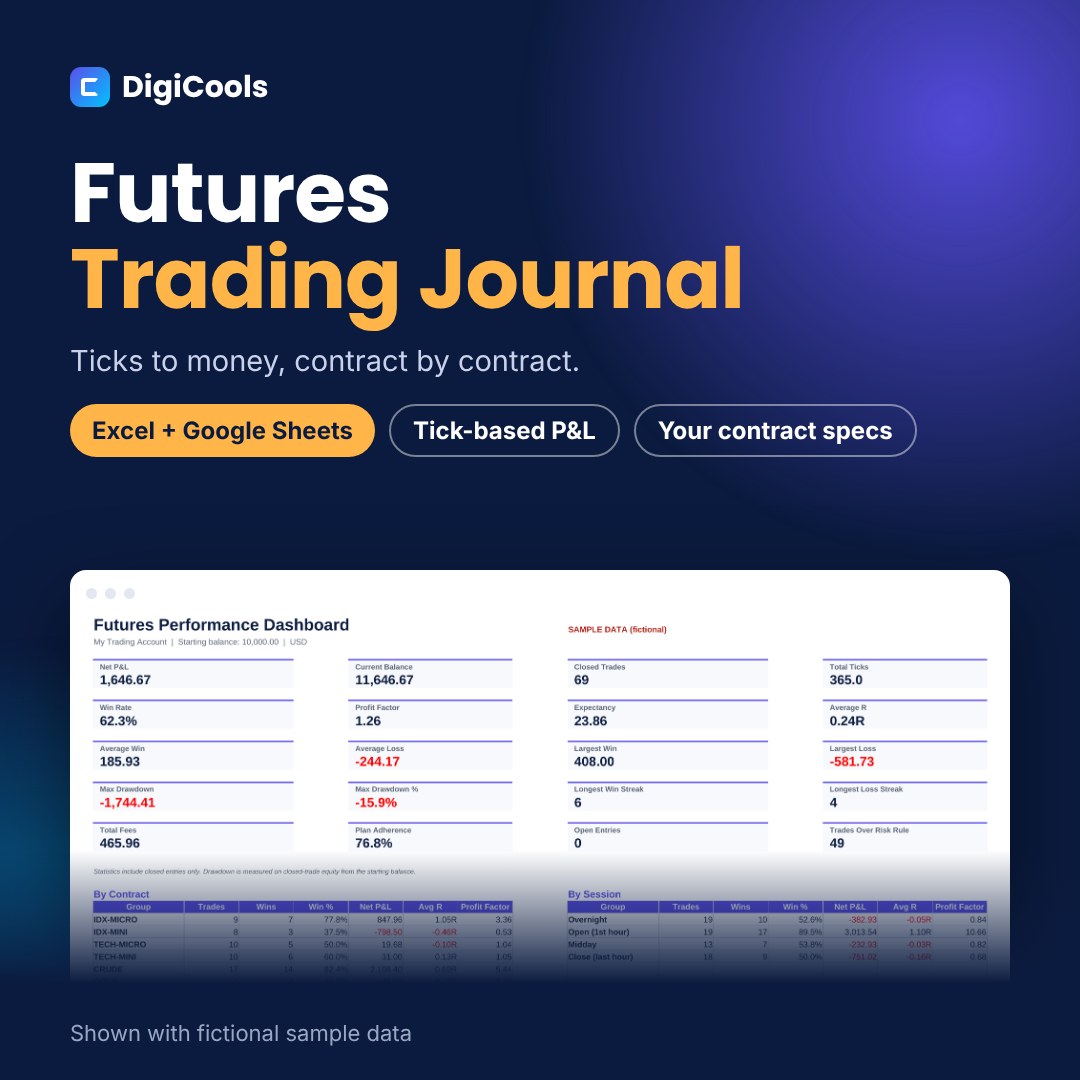
Futures P&L depends on tick size and tick value, and they differ for every contract. This journal keeps a contract table you control, so every trade converts ticks into money correctly and your results can be compared across contracts and sessions. A futures trading journal for Excel and Google Sheets. Set each contract's tick size, tick value and commission once, then log trades and get ticks, net P&L, R and results by contract and session. WHO IT'S FOR Futures day traders and swing traders in index, energy, metals or rates contracts, including micro contracts. WHAT'S INSIDE • Futures Trading Journal workbook, blank — Excel XLSX, 8 tabs (240 KB) • Sample workbook with 71 fictional rows — Excel XLSX (253 KB) • Quick Start Guide — PDF, A4, 6 pages (1.2 MB) • README with contents, license and support — TXT HOW IT HELPS • Trade Log with 500 rows: contract, direction, entry, exit, contracts, stop, target and commission override • Contract table on Settings with tick size, tick value and round-trip commission (illustrative examples included) • Automatic ticks, gross and net P&L, risk and R • Dashboard with 20 metrics including total ticks, plus breakdowns by contract, session, strategy, direction, weekday and emotion • Mistake Cost table, monthly results, equity curve and drawdown • Daily and weekly review sheets HOW TO USE 1. Download and unzip the file. 2. Open Futures-Trading-Journal-Blank.xlsx in Excel, or upload it to Google Drive and choose File > Save as Google Sheets. 3. Fill in the Settings sheet (account, rules and lists). 4. Add one row per entry in the Trade Log. Type only in the soft-gold cells. 5. Review the Dashboard, Monthly and Charts tabs, and use the review sheets. COMPATIBILITY Microsoft Excel 2019 or newer (including Microsoft 365), Google Sheets and LibreOffice Calc. No macros or add-ins. GOOD TO KNOW This is a manual tool: it does not connect to any broker or data feed. Educational record-keeping tool only, not financial advice; it does not predict or guarantee any result. Sample data is fictional. LICENSE Personal use. You may edit the files for your own records but not resell, share or redistribute them.
What's included
- Futures Trading Journal workbook, blank — Excel XLSX, 8 tabs (240 KB)
- Sample workbook with 71 fictional rows — Excel XLSX (253 KB)
- Quick Start Guide — PDF, A4, 6 pages (1.2 MB)
- README with contents, license and support — TXT
- Single ZIP download (1.2 MB)
Frequently asked questions
Are the contract specifications in the file official?
No. The rows are illustrative examples. Replace them with the tick size and tick value from your exchange's contract specifications and your broker's commission.
Can I use it for micro contracts?
Yes. Add each micro contract with its own tick value.
How are commissions handled?
Each contract has a round-trip commission per contract. Type a value in Commission override to use a different amount for one trade.
Does it connect to my platform?
No. It is a manual journal. You type or paste your trades.
Does it work in Google Sheets?
Yes. Upload the .xlsx to Google Drive and save it as a Google Sheets file.
Can I share it?
No. The license is for personal use only.
Tags: futures trading journal, futures journal spreadsheet, day trading journal, tick value tracker, trade log, trading journal excel, trading journal google sheets, micro futures journal, trading performance, risk management